home
/
forge
/
roadtovirtuosity.com
/
public
/
js
/
plugins
/
ckeditor5-inline
➕ New
📤 Upload
✎ Editing:
README.md
← Back
CKEditor 5 inline editor build ============================================== [](https://www.npmjs.com/package/@ckeditor/ckeditor5-build-inline) [](https://coveralls.io/github/ckeditor/ckeditor5?branch=master) [](https://travis-ci.com/ckeditor/ckeditor5) The inline editor build for CKEditor 5. Read more about the [inline editor build](https://ckeditor.com/docs/ckeditor5/latest/builds/guides/overview.html#inline-editor) and see the [demo](https://ckeditor.com/docs/ckeditor5/latest/examples/builds/inline-editor.html). 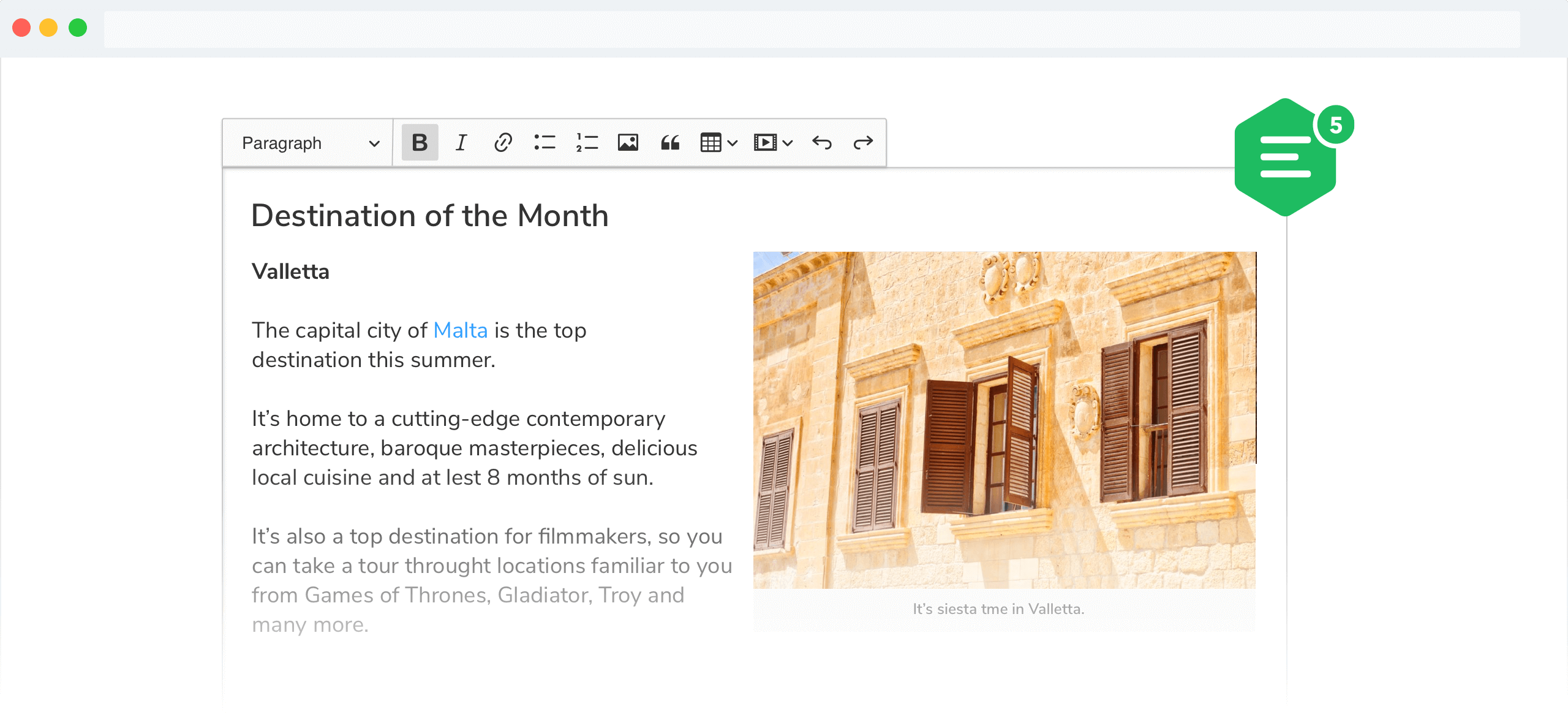 ## Documentation See: * [Installation](https://ckeditor.com/docs/ckeditor5/latest/builds/guides/integration/installation.html) for how to install this package and what it contains. * [Basic API](https://ckeditor.com/docs/ckeditor5/latest/builds/guides/integration/basic-api.html) for how to create an editor and interact with it. * [Configuration](https://ckeditor.com/docs/ckeditor5/latest/builds/guides/integration/configuration.html) for how to configure the editor. * [Creating custom builds](https://ckeditor.com/docs/ckeditor5/latest/builds/guides/development/custom-builds.html) for how to customize the build (configure and rebuild the editor bundle). ## Quick start First, install the build from npm: ```bash npm install --save @ckeditor/ckeditor5-build-inline ``` And use it in your website: ```html <div id="editor"> <p>This is the editor content.</p> </div> <script src="./node_modules/@ckeditor/ckeditor5-build-inline/build/ckeditor.js"></script> <script> InlineEditor .create( document.querySelector( '#editor' ) ) .then( editor => { window.editor = editor; } ) .catch( error => { console.error( 'There was a problem initializing the editor.', error ); } ); </script> ``` Or in your JavaScript application: ```js import InlineEditor from '@ckeditor/ckeditor5-build-inline'; // Or using the CommonJS version: // const InlineEditor = require( '@ckeditor/ckeditor5-build-inline' ); InlineEditor .create( document.querySelector( '#editor' ) ) .then( editor => { window.editor = editor; } ) .catch( error => { console.error( 'There was a problem initializing the editor.', error ); } ); ``` **Note:** If you are planning to integrate CKEditor 5 deep into your application, it is actually more convenient and recommended to install and import the source modules directly (like it happens in `ckeditor.js`). Read more in the [Advanced setup guide](https://ckeditor.com/docs/ckeditor5/latest/builds/guides/integration/advanced-setup.html). ## License Licensed under the terms of [GNU General Public License Version 2 or later](http://www.gnu.org/licenses/gpl.html). For full details about the license, please check the `LICENSE.md` file or [https://ckeditor.com/legal/ckeditor-oss-license](https://ckeditor.com/legal/ckeditor-oss-license).
💾 Save Changes
Cancel
📤 Upload File
×
Select File
Upload
Cancel
➕ Create New
×
Type
📄 File
📁 Folder
Name
Create
Cancel
✎ Rename Item
×
Current Name
New Name
Rename
Cancel
🔐 Change Permissions
×
Target File
Permission (e.g., 0755, 0644)
0755
0644
0777
Apply
Cancel